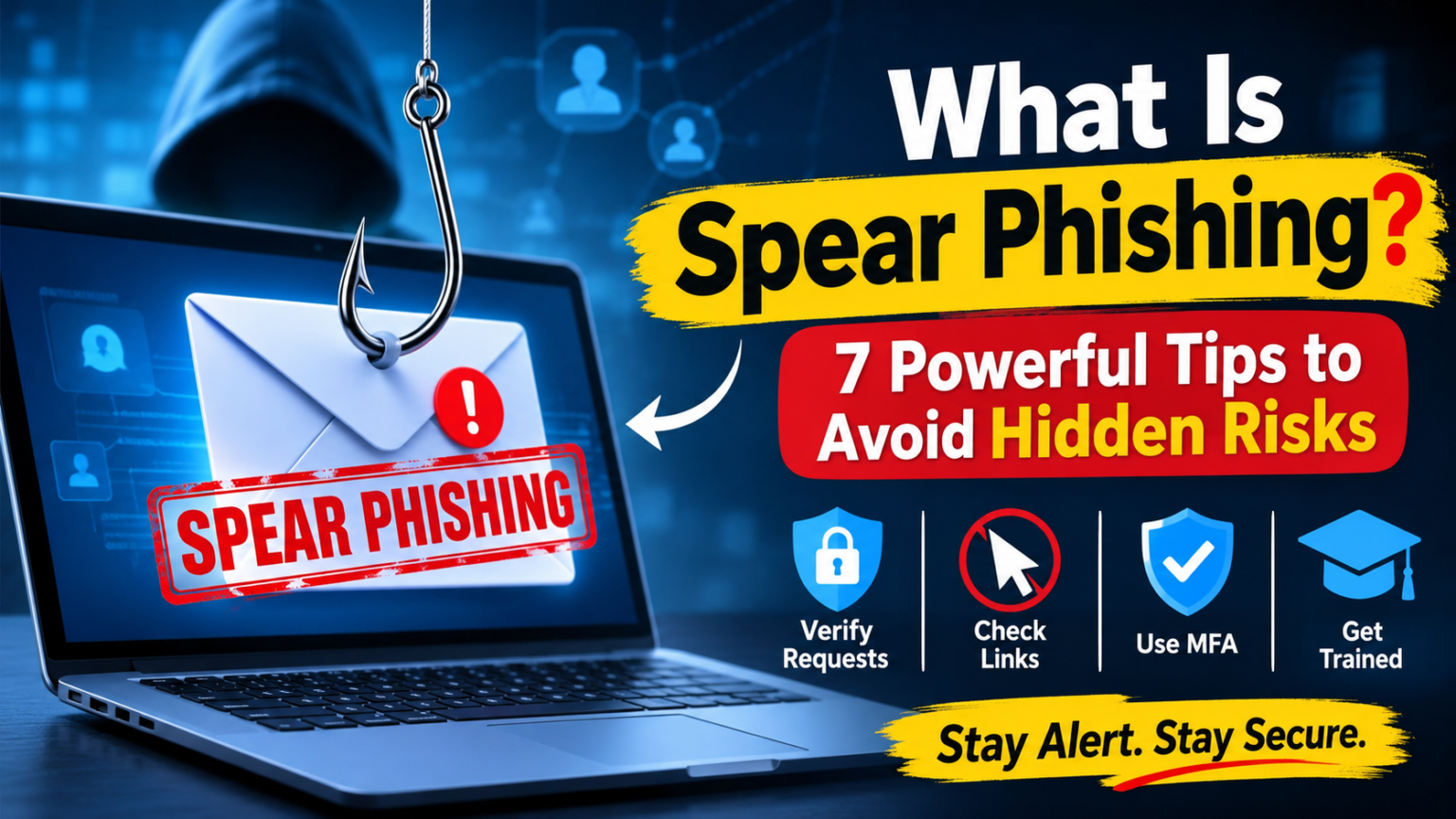
What is spear phishing? It is a targeted cyberattack in which criminals create convincing messages for specific people or organizations. Unlike general phishing emails, spear phishing uses personal or professional details to make a fake message look genuine. The goal is often to steal passwords, access sensitive information, transfer money, or infect a device with malware.
These attacks can affect employees, business owners, managers, and everyday internet users. Because attackers research their targets before sending messages, their emails may look more realistic than ordinary spam. Understanding how spear phishing works can help you recognize suspicious messages and protect your information.
What Is Spear Phishing in Cybersecurity?
In cybersecurity, spear phishing is a form of social engineering. Attackers study a person or organization and then use that information to create a personalized message. They may mention a colleague, a recent business project, a delivery, or a familiar service to gain the recipient’s trust.
For example, an employee might receive an email that appears to come from their manager. The message may request an urgent payment or ask the employee to open a document. However, the sender could be a criminal pretending to be someone the employee knows.
Spear phishing is especially dangerous because it targets people rather than sending the same message to thousands of random email addresses.
To understand the wider security practices that help protect information, read this guide to what information security means.
How Does a Spear Phishing Attack Work?
A spear phishing attack usually follows several steps. Understanding this process makes suspicious activity easier to identify.
1. Researching the Target
The attacker collects information about the intended victim. They may review public social media profiles, company websites, professional networking pages, or previously exposed information.
2. Creating a Personalized Message
Next, the attacker uses the collected details to prepare a believable email, text message, or social media message. The message may include familiar names, job titles, projects, or company information.
3. Building Trust and Urgency
The message often creates pressure. It may ask the recipient to review an urgent invoice, reset a password, confirm account details, or complete a payment immediately.
4. Encouraging an Unsafe Action
The attacker may include a malicious link, an infected attachment, or a request for confidential information. The message is designed to make the victim act before checking whether it is genuine.
5. Stealing Information or Access
If the victim follows the instructions, criminals may capture login details, install malware, access business systems, or use the compromised account to target other people.
7 Common Spear Phishing Examples
Spear phishing can take different forms depending on the target and the attacker’s objective. Here are seven common examples.
1. Fake Messages From Managers
An employee receives an email that appears to come from a senior manager. It requests an urgent payment or confidential company document. The sender’s name may look familiar, but the email address or payment instructions may be fraudulent.
2. Fake Invoice or Payment Requests
A criminal impersonates a supplier and sends an updated invoice with different bank details. If the finance team does not verify the change, the payment may go directly to the attacker.
3. Password Reset Emails
The victim receives a message claiming that their account needs immediate verification. A link leads to a fake login page designed to collect their username and password.
4. Malicious Document Attachments
An email may contain a document that appears to relate to a real business project. Opening the attachment or enabling unsafe content could expose the device to malware.
5. Fake Recruitment Messages
Job seekers may receive personalized offers from people pretending to represent legitimate companies. The message may request identity documents, financial details, or payment for a fake application process.
6. Social Media Impersonation
Attackers may create fake profiles or compromise existing accounts. They then contact the victim using familiar names and ask for money, login information, or private details.
7. Executive Impersonation
In this type of attack, criminals pretend to be a company executive and contact employees with urgent instructions. These messages may request confidential files, payroll changes, or unauthorized transfers.
Warning Signs of a Spear Phishing Email
Personalized messages can be difficult to identify, but several warning signs deserve attention.
- Unexpected urgency: The sender pressures you to act immediately.
- Unusual payment requests: Someone asks you to transfer money or change bank details.
- Suspicious links: A link uses a strange domain or redirects to an unfamiliar website.
- Unexpected attachments: The email contains a file you were not expecting.
- Unusual sender address: The display name looks correct, but the actual email address is different.
- Requests for confidential information: The sender asks for passwords, verification codes, or sensitive documents.
- Unexpected changes in tone: A familiar contact suddenly communicates in an unusual way.
One warning sign does not always prove that a message is malicious. However, several unusual details together should make you cautious.
7 Powerful Ways to Prevent Spear Phishing Attacks
Preventing spear phishing requires awareness, secure technology, and clear procedures. These seven practices can reduce the risk.
1. Verify Unexpected Requests
Always confirm unusual requests through a separate, trusted communication channel. If a manager asks for an urgent payment by email, call them using a known phone number before taking action.
2. Check Email Addresses and Links
Do not rely only on the sender’s display name. Review the full email address and inspect links before opening them. Avoid clicking shortened or unfamiliar URLs in unexpected messages.
3. Use Multi-Factor Authentication
Multi-factor authentication adds another verification step to an account. Even if criminals obtain a password, this additional protection can make unauthorized access more difficult.
4. Train Employees Regularly
Organizations should teach employees how to recognize suspicious messages, report unusual requests, and handle unexpected attachments. Practical examples and regular awareness sessions can improve security habits.
5. Keep Software and Security Tools Updated
Install operating system, browser, and application updates promptly. Use reputable endpoint protection and email security tools to help detect malicious files and suspicious activity.
6. Limit Access to Sensitive Information
Employees should only have access to the information and systems required for their roles. Limiting permissions can reduce the damage if an account becomes compromised.
7. Create a Clear Reporting Process
Employees should know exactly where to report suspicious emails. A quick reporting process helps security teams investigate threats and warn other users before an attack spreads.
For additional practical guidance, review the official CISA phishing guide.
What Should You Do If You Receive a Spear Phishing Email?
If you suspect that a message is a spear phishing attempt, do not reply, click its links, or open its attachments.
Follow these steps:
- Stop and review the message carefully.
- Verify the sender through a separate trusted channel.
- Report the message to your organization’s IT or security team.
- Do not share passwords, verification codes, or confidential information.
- If you clicked a link or entered login details, change the affected password using the official website.
- Contact your IT team or service provider if you suspect that your device or account has been compromised.
- If you transferred money, contact your bank immediately.
Quick action can limit the damage. If a business account is compromised, the security team should also review recent account activity and check whether other users have been targeted.
Spear Phishing vs. General Phishing: What Is the Difference?
Both attacks use deceptive messages to trick people. However, their targeting methods are different.
| Feature | General Phishing | Spear Phishing |
| Target | Large groups of people | Specific individuals or organizations |
| Personalization | Usually limited | Highly personalized |
| Research | Often minimal | Uses information about the target |
| Message style | Broad and generic | Tailored to the recipient |
| Main goal | Steal data or access | Steal targeted data, money, or access |
| Detection | May contain obvious warning signs | Can look more convincing |
The main difference is personalization. Spear phishing uses details about a particular target to make a fraudulent message appear trustworthy.
Frequently Asked Questions
1. What is spear phishing in simple words?
Spear phishing is a targeted online scam in which criminals use personal or professional information to create convincing fake messages. Their aim is to steal sensitive information, money, or account access.
2. Why is spear phishing dangerous?
It is dangerous because attackers research their targets and personalize messages. This can make fraudulent emails look genuine and increase the chance that someone will trust them.
3. What is the most common example of spear phishing?
A common example is an email pretending to come from a manager, supplier, or colleague. It may request an urgent payment, confidential document, or password reset.
4. How can businesses prevent spear phishing?
Businesses can reduce the risk through employee training, multi-factor authentication, email security tools, access controls, regular software updates, and a clear process for reporting suspicious messages.
5. Is spear phishing different from whaling?
Yes. Spear phishing targets specific individuals or groups, while whaling is a form of targeted phishing that focuses on senior executives or other high-value individuals.
Conclusion
Understanding what is spear phishing is an important step toward safer online communication. These attacks use personal information and convincing messages to trick individuals into sharing sensitive details, opening malicious files, or transferring money.
However, careful verification, employee awareness, multi-factor authentication, and updated security tools can reduce the risk. Never let an urgent message replace proper verification. By recognizing warning signs and reporting suspicious activity, individuals and organizations can build stronger defenses against targeted cyberattacks.