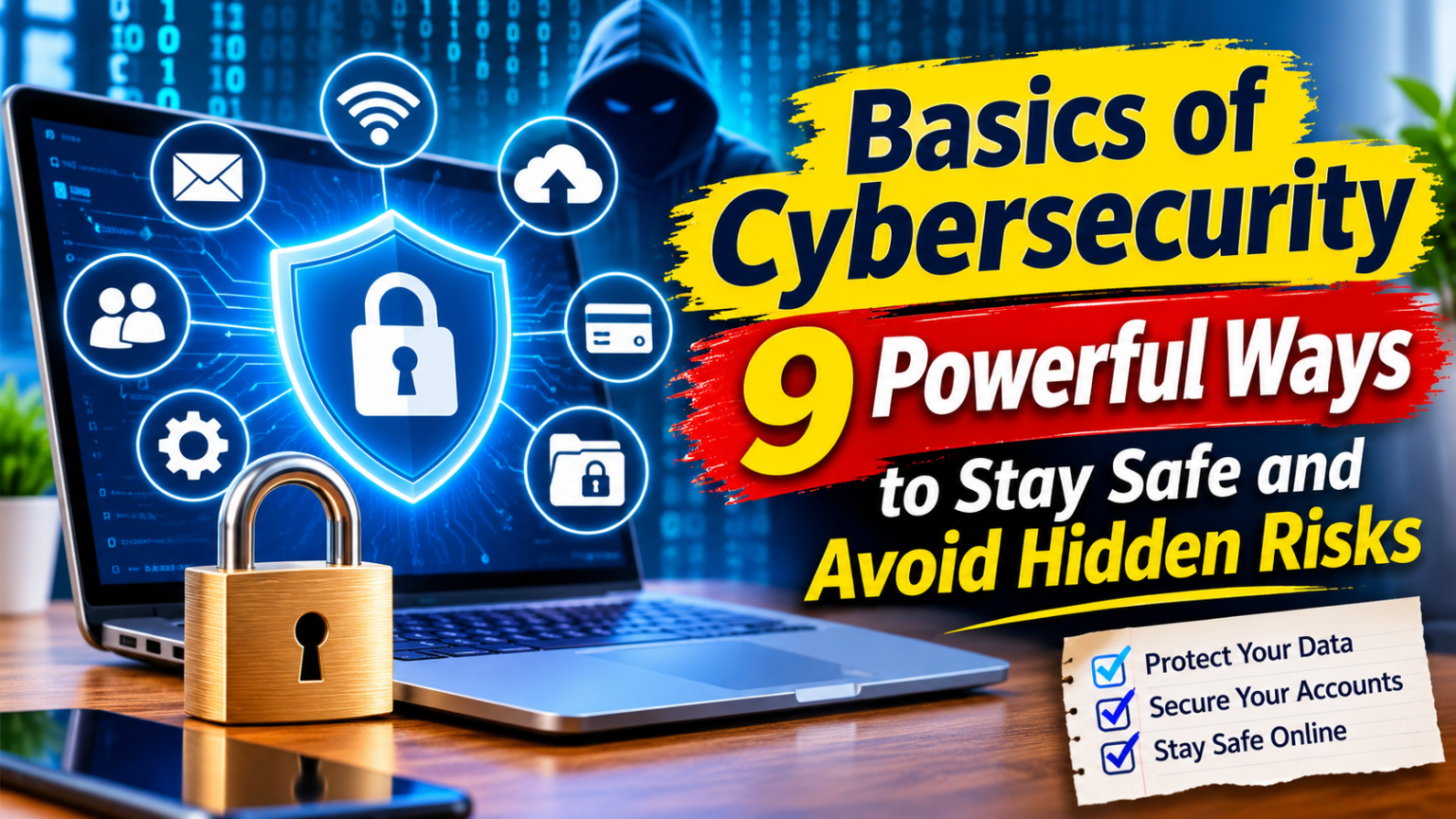
Basics of Cybersecurity are the essential skills and practices that help people protect their devices, accounts, networks, and personal information from online threats. Whether you use the internet for work, shopping, education, banking, or entertainment, understanding digital security is important.
Cybercriminals do not target only large companies. Ordinary internet users can also become victims of phishing, identity theft, malware, and account hacking. Sometimes, one careless click or a reused password is enough to create a security problem.
The good news is that beginners do not need advanced technical skills to improve their online safety. Simple habits, such as using strong passwords, installing software updates, and checking suspicious messages, can make a meaningful difference.
This guide explains the Basics of Cybersecurity in simple language. You will learn how common threats work, which security tools are useful, and how to build safer online habits.
1. What Are the Basics of Cybersecurity?
Cybersecurity refers to the methods, technologies, and practices used to protect digital systems and information from unauthorized access, damage, theft, and disruption.
It covers several areas, including:
- Device security: Protecting computers, smartphones, tablets, and other connected devices.
- Network security: Keeping internet connections and computer networks safe.
- Data security: Preventing unauthorized access to personal and business information.
- Application security: Protecting software and applications from vulnerabilities.
- Account security: Preventing unauthorized access to email, social media, and financial accounts.
For example, when you protect your email with a unique password and two-factor authentication, you are practicing cybersecurity. Similarly, updating your phone and avoiding suspicious downloads are basic security measures.
The main purpose is to reduce the chances of a cyberattack and limit its impact if something goes wrong.
2. Understand the Most Common Cybersecurity Threats
Before learning how to protect yourself, it helps to understand what you are protecting against. Cyber threats can appear in different forms, and some are designed to look like ordinary online activity.
Phishing Attacks
Phishing happens when criminals send fake emails, messages, or websites to trick people into sharing sensitive information. They may pretend to represent a bank, delivery company, employer, or popular online service.
For example, you might receive a message claiming that your bank account will be blocked unless you verify your details through a link. The website may look genuine, but it could be designed to steal your login information.
Always check the sender and visit the official website directly instead of trusting unexpected links.
Malware and Viruses
Malware is harmful software created to damage devices, steal information, or gain unauthorized access. Viruses, spyware, and ransomware are different types of malware.
Ransomware can lock files or systems and demand payment for their release. Spyware may secretly collect information about a user’s activities.
Downloading files from untrusted websites or opening suspicious attachments can increase the risk of infection.
Password Attacks
Cybercriminals may attempt to guess passwords, use stolen login details, or test passwords exposed in previous data breaches.
Using the same password across multiple accounts creates an additional risk. If one service is compromised, attackers may try the same login details elsewhere.
Identity Theft
Identity theft occurs when someone uses another person’s personal information without permission. Stolen information may include names, addresses, financial details, or account credentials.
Criminals can use this information to access accounts, make fraudulent purchases, or impersonate someone online.
3. Use Strong Passwords and Protect Your Accounts
Passwords are one of the first barriers between your personal information and unauthorized users. A weak or reused password can make an account easier to compromise.
Create a long, unique password or passphrase for every important account. Avoid predictable choices such as birthdays, common names, phone numbers, or simple number sequences.
A password manager can help generate and store different passwords securely, so you do not have to remember every one.
You should also enable multi-factor authentication (MFA) whenever it is available. MFA requires an additional verification step, such as an authenticator-app code, security key, or biometric check.
This extra step can make it harder for someone to access your account even if they discover your password.
Never share one-time passwords or unexpected login verification codes with another person. A legitimate support representative should not ask you to reveal these private codes.
4. Keep Your Devices and Software Updated
Software updates do more than introduce new features. They can also repair security weaknesses that attackers might exploit.
Operating systems, browsers, mobile applications, and security programs should be updated regularly. Whenever possible, enable automatic updates to avoid missing important fixes.
Follow these simple practices:
- Install updates from official sources.
- Remove applications you no longer use.
- Restart devices when required to complete updates.
- Avoid unofficial software versions and suspicious downloads.
- Use a supported operating system that still receives security updates.
For example, an outdated browser may contain a vulnerability that has already been fixed in a newer version. Delaying updates can leave your device exposed to known security problems.
Regular maintenance is one of the easiest ways to improve digital protection.
5. Learn to Recognize Suspicious Links and Online Scams
Online scams often rely on urgency, fear, curiosity, or attractive offers. A message might claim that you have won a prize, that your account has been suspended, or that an urgent payment is required.
These tactics encourage people to act before checking whether a request is genuine.
Look for warning signs such as:
- Unexpected requests for passwords or financial details.
- Strange sender addresses or unfamiliar website domains.
- Messages demanding immediate action.
- Attachments you were not expecting.
- Offers that seem too good to be true.
- Requests to share verification codes.
If you receive a suspicious message from someone you know, contact that person through another trusted channel to confirm it.
You should also avoid scanning unfamiliar QR codes without checking where they lead. A QR code can direct you to a fraudulent website just like an ordinary link.
6. Secure Your Wi-Fi Network and Internet Connection
Your internet connection is another important part of cybersecurity. An unsecured home network can expose connected devices to unnecessary risks.
Start by changing the default administrator password on your router. Use a strong Wi-Fi password and select a modern security option supported by your equipment, such as WPA2-AES or WPA3.
Other useful steps include:
- Update your router’s firmware.
- Disable remote administration if you do not need it.
- Use a separate guest network for visitors.
- Avoid sharing your Wi-Fi password publicly.
- Change default device login details.
Public Wi-Fi also requires care. Avoid accessing sensitive accounts or making financial transactions over an untrusted network when a safer connection is available. If you must use public Wi-Fi, verify the network name and consider a reputable VPN for added connection privacy.
Remember that a VPN does not protect you from phishing, malware, or weak passwords. It is only one part of a broader security approach.
7. Back Up Important Data and Protect Your Privacy
A backup is a separate copy of important information that can help you recover if your original files are lost, damaged, or encrypted by ransomware.
You can back up documents, photos, work files, and other essential information using an external storage device or a trusted cloud service.
However, simply creating a backup is not enough. Protect it with strong access controls and check occasionally that the files can actually be restored.
A useful approach is to keep more than one copy of important data, including a backup that is disconnected from your everyday device when not in use.
Privacy is equally important. Review the permissions granted to mobile applications and websites. Some apps may request access to contacts, photos, location, or microphones even when those permissions are not necessary for their main functions.
Share only the information required to use a service. Avoid publishing sensitive personal details on public profiles.
8. Learn About Useful Cybersecurity Tools for Beginners
You do not need an expensive security setup to begin protecting your digital life. Several common tools can help reduce everyday risks.
Antivirus and Security Software
Reputable security software can detect certain forms of malware and help protect devices from harmful files. Keep it updated and download it from an official provider.
Built-in security features can also provide useful protection, so beginners should review the options already available on their devices.
Password Managers
Password managers create and store unique passwords. They can make account management easier while reducing the temptation to reuse the same password.
Choose a reputable service, protect its main account with MFA, and keep its recovery information secure.
Multi-Factor Authentication Apps
Authenticator applications generate verification codes or support other secure login methods. They provide an additional layer of account protection.
Where supported, consider phishing-resistant options such as passkeys or hardware security keys for important accounts.
Firewall Protection
A firewall monitors network traffic and applies rules to allow or block connections. Many operating systems include built-in firewall features.
Keep these protections enabled unless you have a specific, informed reason to change their settings.
If you are managing security for a business or organization and need help choosing professional support, read this guide on how to select a cybersecurity partner. It can help you understand what to consider when evaluating a provider’s experience, services, and security approach.
The right tools depend on your device, activities, and level of risk. Good security habits remain important even when several protective tools are installed.
9. Build a Simple Cybersecurity Routine
Cybersecurity works best when it becomes part of your regular digital routine rather than something you consider only after an incident.
Beginners can start with a few manageable actions:
Every day: Be careful with links, messages, downloads, and requests for personal information.
Every week: Review unusual account activity and check whether important applications need attention.
Every month: Review account permissions, remove unused applications, and confirm that important backups are working.
Whenever an update is available: Install legitimate security updates promptly.
If you suspect an account has been compromised, use a trusted device to change its password, end unfamiliar sessions, and enable stronger authentication. Contact the affected service through its official support channel if you notice unauthorized activity.
For a work account, inform the responsible IT or security team. If financial information may have been exposed, contact your bank or payment provider promptly.
A clear routine gives you a practical way to manage risk without becoming overwhelmed by technical details.
For additional practical guidance, the National Institute of Standards and Technology (NIST) cybersecurity basics guide explains important steps such as enabling multi-factor authentication, using unique passwords, updating software, and protecting backups.
Advantages and Disadvantages of Cybersecurity
Understanding the benefits and limitations of cybersecurity helps beginners develop realistic expectations.
Advantages
- Better privacy: Security practices help protect personal information from unauthorized access.
- Account protection: Strong passwords and MFA reduce the risk of account takeover.
- Safer online transactions: Secure devices and connections help protect financial activities.
- Business continuity: Backups and security planning can help organizations recover from disruptions.
- Greater confidence: People can use digital services more confidently when they understand common risks.
Disadvantages and Challenges
- Time and effort: Maintaining updates, backups, and account security requires regular attention.
- Financial costs: Some advanced security tools and professional services require paid subscriptions.
- Technical complexity: Certain security settings may be difficult for beginners to understand.
- False alerts: Security software can sometimes flag safe files or activities incorrectly.
- No complete guarantee: Even strong security measures cannot eliminate every cyber threat.
The goal is not to make every online activity risk-free. It is to reduce preventable weaknesses and prepare for problems when they occur.
Frequently Asked Questions
1. What are the Basics of Cybersecurity for beginners?
The Basics of Cybersecurity include using strong passwords, enabling multi-factor authentication, updating software, recognizing phishing, protecting Wi-Fi networks, and backing up important data.
2. Why is cybersecurity important in everyday life?
Cybersecurity helps protect personal information, financial accounts, devices, and online identities. It also reduces the risk of fraud, data theft, and unauthorized access.
3. Do beginners need antivirus software?
Security software can help detect and block certain threats. Many devices also include built-in protection. Whatever option you use, keep it updated and follow safe browsing practices.
4. What is the difference between cybersecurity and information security?
Cybersecurity focuses on protecting digital systems, networks, devices, and data from online threats. Information security is broader and protects information in both digital and physical forms.
5. How can I start learning cybersecurity?
Begin with password security, phishing awareness, software updates, and basic networking concepts. You can then explore online courses, practical labs, and beginner-friendly security certifications.
Conclusion
The Basics of Cybersecurity provide a foundation for safer internet use. You do not need to become a security professional to protect your accounts, devices, and personal information. Simple actions such as creating unique passwords, enabling MFA, updating software, and checking suspicious messages can reduce many common risks.
As your digital skills develop, you can explore more advanced topics such as network security, encryption, ethical hacking, and incident response. The important thing is to keep learning and make security a regular habit.
Your digital destiny is shaped partly by the choices you make online. By staying alert and following practical security measures, you can build safer habits and use technology with greater confidence.