What is Cyber Security, and why should beginners understand it? Today, we use the internet for almost everything, from sending emails and shopping online to managing bank accounts and running businesses. These activities are convenient, but they also create opportunities for cybercriminals to steal information, access accounts, and disrupt digital services.
Cyber security is the practice of protecting computers, mobile devices, networks, applications, and digital information from unauthorized access, damage, and online attacks. It is not only for large companies or technology experts. Students, families, small businesses, and everyday internet users all need basic cyber security knowledge.
This simple guide explains what cyber security means, how it works, common online threats, its benefits and disadvantages, and practical steps beginners can take to stay safer online.
What Is Cyber Security?
Cyber security refers to the methods, technologies, and practices used to protect digital systems and information from cyberattacks. These attacks may involve stealing private data, damaging computer systems, accessing accounts without permission, or interrupting online services.
For example, imagine receiving an email that appears to come from your bank. It asks you to click a link and confirm your password. The message may look genuine, but the link could lead to a fake website designed to steal your login details. Cyber security awareness helps you recognize this danger before sharing sensitive information.
Common cyber security measures include:
- Strong and unique passwords
- Multi-factor authentication
- Antivirus and endpoint protection
- Firewalls and network security
- Data encryption
- Regular software updates
- Secure data backups
- Employee awareness and security training
The main goal is to keep digital information confidential, accurate, and available to authorized users.
Why Is Cyber Security Important?
The internet connects people, organizations, and services around the world. However, this connectivity also creates opportunities for criminals to exploit weak passwords, outdated software, insecure networks, and careless online behavior.
A successful cyberattack can expose personal information, interrupt business operations, or cause financial losses. For an individual, this might mean losing access to an email account or having banking details stolen. For a business, an attack can affect customer trust, operations, and reputation.
Cyber security helps people and organizations:
- Protect personal and financial information.
- Prevent unauthorized access to accounts and devices.
- Reduce the risk of identity theft.
- Keep websites and business systems operating.
- Protect customer and employee records.
- Support safer online communication and transactions.
No security method can remove every possible threat, but suitable protection makes attacks more difficult and can reduce their impact.
How Does Cyber Security Work?
Cyber security works through several layers of protection. No single tool can prevent every attack, so individuals and organizations combine technical controls with safe habits and clear procedures.
1. Identifying Potential Threats
The first step is understanding what needs protection. This may include personal documents, customer databases, passwords, business applications, and computer networks.
Users and security teams look for possible weaknesses, such as outdated software, unsecured devices, or accounts with weak passwords. Understanding these risks helps them select suitable protection.
2. Preventing Unauthorized Access
Access controls help ensure that only approved people can use particular systems or information. Passwords, multi-factor authentication, and user permissions are common examples.
For instance, a business may allow its finance team to access payment records while restricting other employees from viewing them.
3. Detecting Suspicious Activity
Security tools monitor devices and networks for unusual behavior. They may identify suspicious login attempts, harmful files, unexpected data transfers, or signs of malware.
Early detection gives users and security teams a better chance to respond before an incident causes greater damage.
4. Responding to Security Incidents
When an attack occurs, the affected organization needs a response plan. This may involve disconnecting an infected device, disabling compromised accounts, investigating the incident, and informing affected people when required.
A quick and organized response can limit the damage.
5. Recovering Data and Services
Recovery involves restoring systems and information after an incident. Backups, recovery plans, and tested procedures help organizations return to normal operations.
These steps work together to create a stronger security environment.
7 Common Types of Cyber Security Threats
Understanding common threats makes it easier to recognize suspicious activity and avoid unsafe online decisions.
1. Phishing Attacks
Phishing happens when criminals use fake emails, messages, or websites to trick people into sharing passwords, payment details, or other private information.
A message may create urgency by claiming that an account will be closed unless the recipient clicks a link. Check the sender carefully and visit official websites directly instead of trusting unexpected links.
2. Malware
Malware is harmful software designed to damage devices, steal information, spy on users, or gain unauthorized access.
Viruses, worms, spyware, and trojans are examples of malware. It can enter a device through suspicious downloads, infected attachments, or compromised websites.
3. Ransomware
Ransomware is a type of malware that locks or encrypts files and demands payment to restore access.
Organizations can reduce the impact of ransomware by maintaining secure backups, updating software, restricting access, and training employees to recognize suspicious messages.
4. Password Attacks
Criminals may guess weak passwords, use stolen login details, or attempt to access accounts with automated tools.
Using unique passwords for different accounts and enabling multi-factor authentication can make account theft more difficult.
5. Identity Theft
Identity theft occurs when someone uses another person’s personal information without permission. Stolen information may include names, identification details, financial records, or account credentials.
Avoid sharing sensitive information through unverified websites and messages.
6. Denial-of-Service Attacks
A denial-of-service attack attempts to make a website, server, or online service unavailable by overwhelming it with traffic or requests. Distributed denial-of-service attacks use multiple systems to carry out this activity.
Businesses use network monitoring, traffic filtering, and specialized protection services to reduce this risk.
7. Social Engineering
Social engineering involves manipulating people into revealing confidential information or performing unsafe actions.
An attacker might pretend to be a technical support employee, manager, or trusted service provider. Verify unusual requests through a separate trusted channel before sharing information or taking action.
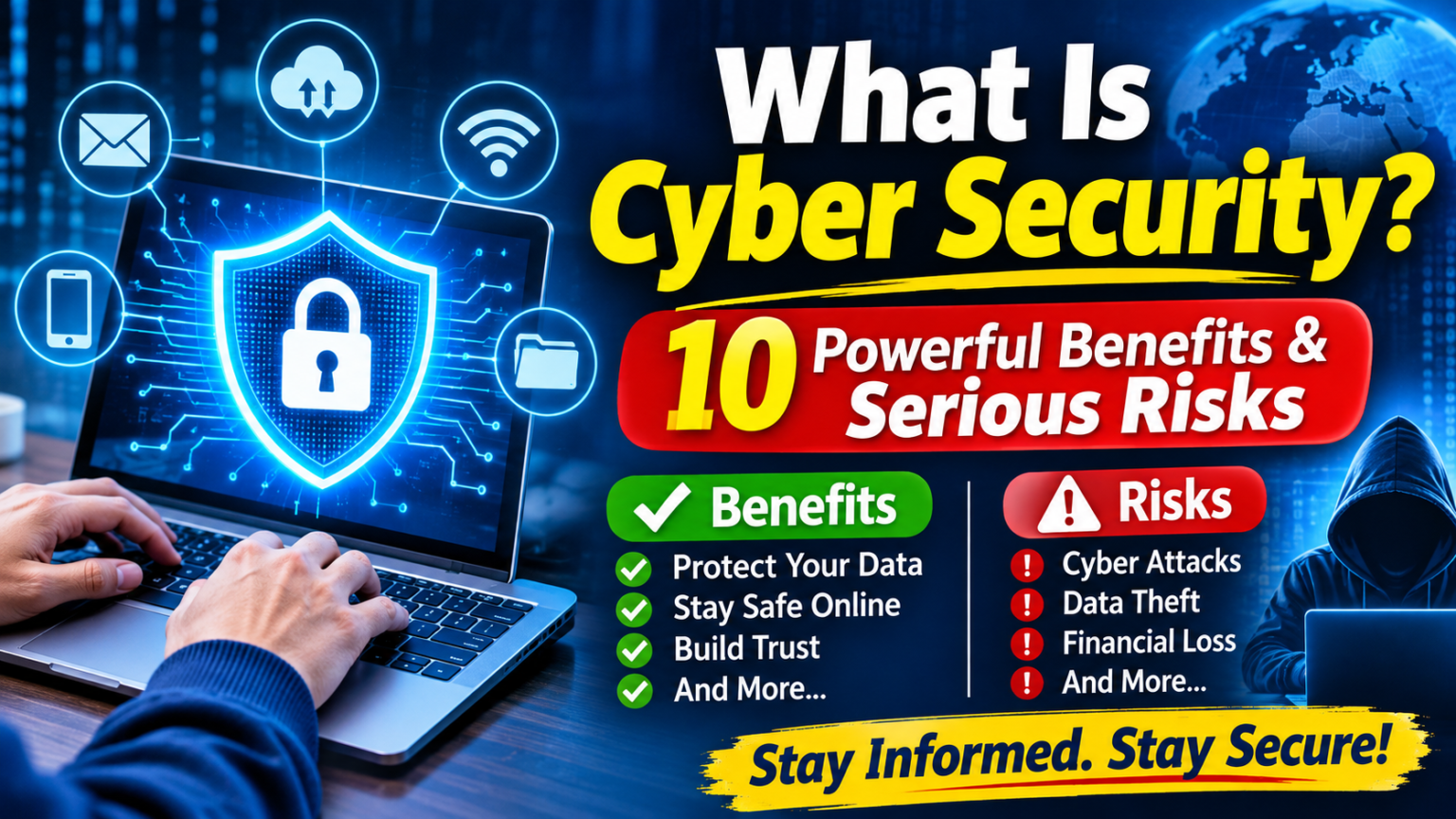
10 Powerful Benefits of Cyber Security
Cyber security offers important advantages for individuals, families, and organizations. Here are ten ways it can make digital activities safer.
1. Protects Personal Information
Security measures help keep private details, photographs, documents, and account information away from unauthorized users.
2. Supports Safer Online Banking
Strong authentication, secure connections, and careful account monitoring can reduce the chances of financial information being misused.
3. Reduces Business Disruption
A cyberattack can interrupt daily operations. Security planning and reliable recovery systems help businesses maintain essential services.
4. Builds Customer Trust
Customers expect businesses to handle their information responsibly. Strong security practices demonstrate that an organization takes data protection seriously.
5. Helps Protect Business Reputation
A data breach can damage a company’s reputation. Preventive security measures and responsible incident handling help protect customer relationships.
6. Protects Important Files
Secure backups and access controls help prevent valuable documents from being lost, changed, or accessed by unauthorized people.
7. Encourages Safer Digital Habits
Cyber security awareness teaches people to recognize suspicious links, avoid unsafe downloads, and protect their online accounts.
8. Supports Compliance
Organizations may need to follow data protection laws, industry requirements, and contractual security obligations. Suitable cyber security controls can help them meet these responsibilities.
9. Prepares Organizations for Future Threats
Regular assessments, updates, and security training help organizations adapt as technology and cyber threats change. These practices can support a company’s digital destiny by building a more secure foundation for future growth.
10. Protects Digital Services
Websites, applications, communication platforms, and online services depend on secure systems. Cyber security helps reduce the risk of unauthorized changes and service interruptions.
What Are the Disadvantages and Risks of Cyber Security?
Although cyber security is essential, implementing it can create challenges. Understanding these limitations helps individuals and businesses make realistic security decisions.
Cost of implementation: Professional security software, monitoring services, employee training, and specialist support may require a significant budget.
Time and maintenance: Systems need regular updates, security reviews, backups, and monitoring. Ignoring maintenance can leave weaknesses unresolved.
User inconvenience: Multi-factor authentication and strict access controls can add extra steps to everyday tasks.
False alerts: Security tools sometimes flag legitimate activity as suspicious. Reviewing these alerts can take time.
No complete guarantee: Even well-protected systems can experience attacks. Cyber security reduces risk but cannot promise total protection.
The best approach is to choose security measures that match the value of the information, likely threats, and needs of the users.
Basic Cyber Security Tips for Beginners

You do not need advanced technical knowledge to improve your online safety. A few consistent habits can make a meaningful difference.
- Create strong, unique passwords: Avoid using the same password across several accounts. A trusted password manager can help you manage them.
- Enable multi-factor authentication: Use an additional verification method wherever it is available.
- Update your software: Install operating system, browser, and application updates to receive important security fixes.
- Avoid suspicious links: Do not open unexpected attachments or enter passwords on websites reached through unverified messages.
- Use secure Wi-Fi: Protect your home router with a strong password and use caution when accessing sensitive accounts on public networks.
- Back up important files: Keep secure copies of documents and other valuable data.
- Install trusted security tools: Use reputable security software and download applications from official sources.
- Review account activity: Check for unfamiliar logins, password changes, or transactions.
- Think before sharing: Limit the personal information you publish on social media and other websites.
The Cybersecurity and Infrastructure Security Agency (CISA) also recommends recognizing and reporting phishing, using strong passwords, turning on multi-factor authentication, and keeping software updated. Beginners can explore its Secure Our World safety guidance for practical advice.
For a broader introduction to the subject, you can also read this related guide on the basics of cybersecurity. It provides a natural next step for readers who want to understand the foundations of protecting digital information.
What Is the Difference Between Cyber Security and Information Security?
Cyber security and information security are closely related, but they are not exactly the same.
Cyber security mainly focuses on protecting digital systems, networks, devices, and electronic information from online threats and unauthorized access.
Information security has a broader scope. It protects information in every form, including digital files, printed documents, and confidential conversations.
For example, preventing hackers from accessing a company’s database is a cyber security concern. Keeping printed customer records in a locked cabinet is an information security measure.
Both areas work together to protect valuable information.
Frequently Asked Questions About Cyber Security
1. What is cyber security in simple words?
Cyber security means protecting computers, mobile devices, networks, accounts, and digital information from hackers, malware, data theft, and other online threats.
2. Why do beginners need to learn cyber security?
Beginners use online banking, email, social media, shopping platforms, and other digital services. Basic security knowledge helps them recognize scams and protect personal information.
3. What are the five main areas of cyber security?
Common areas include network security, application security, information security, operational security, and disaster recovery or business continuity. Organizations may use additional categories depending on their needs.
4. Can cyber security prevent every cyberattack?
No. Security tools and safe practices can reduce the likelihood and impact of attacks, but no system is completely protected. Regular updates, monitoring, and recovery planning remain important.
5. Is cyber security a good career choice?
Cyber security can offer career opportunities in areas such as security analysis, network protection, incident response, and penetration testing. The field requires continuous learning because technology and threats keep changing.
Conclusion
Understanding what is cyber security is an important first step toward safer internet use. It involves protecting devices, networks, accounts, and information from unauthorized access, theft, and disruption.
From recognizing phishing messages to using strong passwords and keeping software updated, small actions can improve online safety. Businesses also need suitable security controls, employee awareness, and recovery plans to protect their operations and customers.
Cyber threats will continue to change, but learning the basics helps people make better decisions. Start with simple protective habits, review them regularly, and build stronger security practices as your digital needs grow.