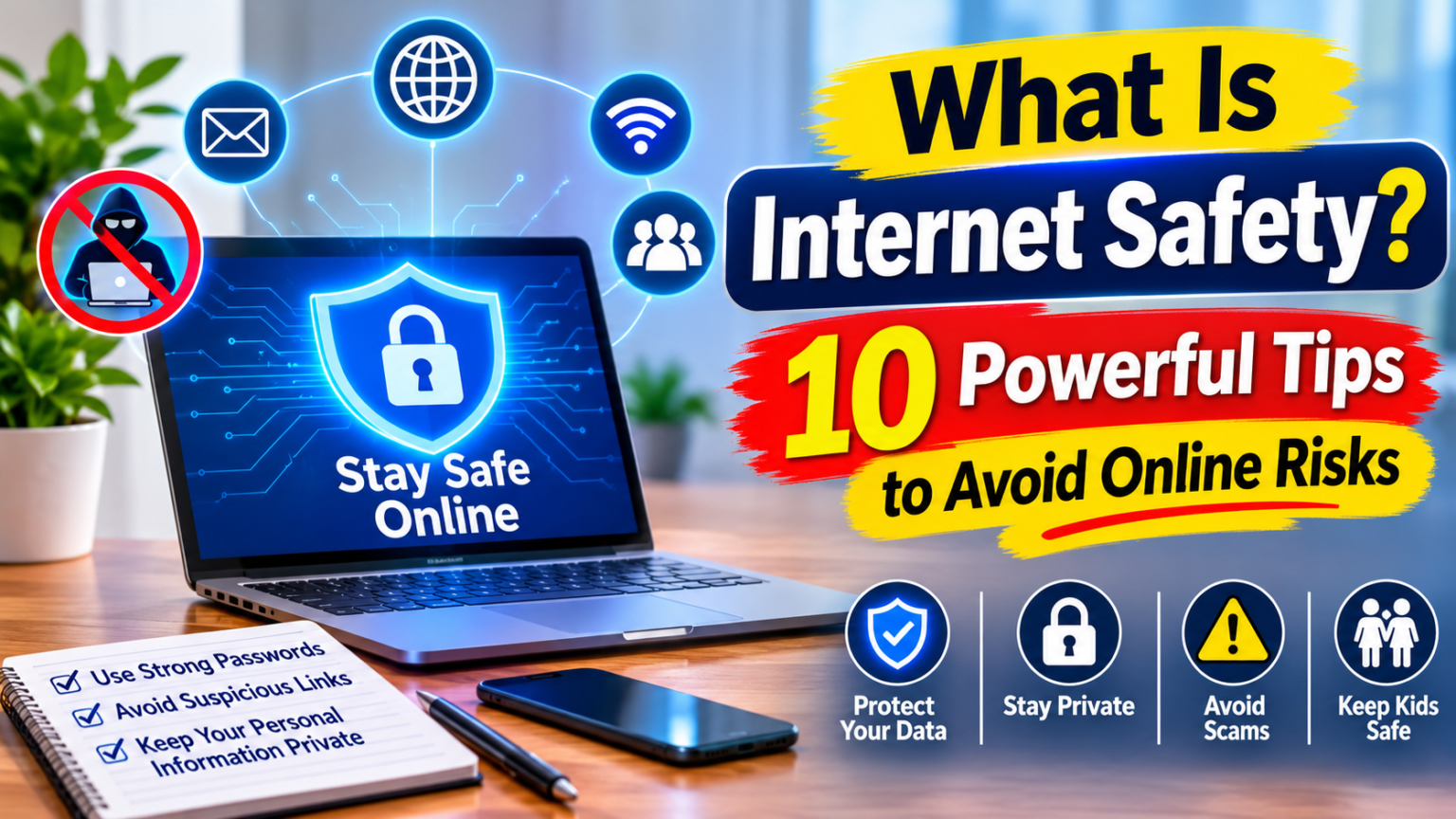
What is internet safety? It means using the internet carefully and responsibly to protect your personal information, devices, privacy, and well-being. Whether you browse social media, attend online classes, shop, play games, or communicate with friends, internet safety helps you avoid digital threats and make better decisions online.
The internet provides valuable opportunities for learning, communication, entertainment, and work. However, it also exposes users to phishing, malware, online scams, cyberbullying, and privacy problems. Children, students, and adults can all face these risks.
Understanding online safety does not require advanced technical knowledge. A few simple habits can make your online experience safer. This guide explains the meaning of internet safety, why it is important, common online threats, and practical ways to protect yourself.
What Is Internet Safety?
Internet safety, also known as online safety or eSafety, refers to the habits, rules, and precautions people follow to protect themselves while using the internet.
It involves protecting personal information, avoiding harmful websites, recognizing online scams, securing accounts, and communicating responsibly. Internet safety also includes emotional and personal well-being, especially when children and teenagers use social media, gaming platforms, and online communities.
For example, using a strong password, avoiding suspicious links, keeping social media accounts private, and refusing to share personal details with strangers are all basic internet safety practices.
Online safety is not only about preventing hackers from accessing your device. It also means understanding what you share, who you communicate with, and how your online actions may affect your future.
Why Is Internet Safety Important?
The internet connects people across the world, but not every website, message, or online interaction is trustworthy. Without proper precautions, users may expose themselves to scams, identity theft, privacy violations, or harmful content.
Here are some important reasons why internet safety matters.
1. Protects Personal Information
Your name, address, phone number, photographs, passwords, and financial details are valuable information. Sharing these details carelessly can expose you to identity theft, fraud, or unwanted contact.
2. Prevents Online Scams
Scammers often create fake websites, messages, and advertisements to trick users. Understanding online safety helps people recognize suspicious offers before losing money or sharing private information.
3. Keeps Devices Secure
Unsafe downloads and malicious websites can expose computers and smartphones to malware. Safe browsing habits and regular software updates help reduce these risks.
4. Supports Mental and Emotional Well-Being
Cyberbullying, harassment, harmful content, and unwanted messages can affect a person’s confidence and emotional health. Knowing how to block, report, and seek help can make online spaces safer.
5. Protects Children and Students
Young internet users may not always recognize fake profiles, inappropriate content, or online manipulation. Teaching them safe browsing habits helps them use digital platforms more responsibly.
10 Powerful Internet Safety Tips to Stay Safe Online
Following a few practical rules can make a major difference. These internet safety tips are useful for students, children, parents, and everyday internet users.
1. Create Strong and Unique Passwords
Passwords protect your email, social media, banking, and other online accounts. Weak passwords make it easier for unauthorized users to access personal information.
Create long, unique passwords for important accounts. Avoid using your name, birthday, or simple number combinations. A reputable password manager can help you create and store secure passwords.
2. Enable Two-Factor Authentication
Two-factor authentication (2FA), also called multi-factor authentication, adds another verification step when you sign in.
For example, a service may ask for a password and then request a code from an authentication app. This extra layer can help protect an account even if someone discovers its password.
Enable this feature on email, banking, and social media accounts whenever it is available.
3. Avoid Suspicious Links and Messages
Phishing is a common online threat. Criminals send fake emails, text messages, or social media messages that appear to come from trusted organizations.
A message may claim that your bank account is blocked or that you have won a prize. It may then ask you to click a link or provide personal details.
Before responding, check the sender and the website address. Instead of using an unexpected link, visit the organization’s official website directly.
4. Keep Your Software Updated
Outdated operating systems, browsers, and applications may contain security weaknesses. Updates often include fixes that help protect devices against known threats.
Turn on automatic updates when practical. Also download applications from official app stores or trusted websites rather than unfamiliar sources.
5. Protect Your Personal Information
Think carefully before sharing personal details online. Avoid posting your home address, phone number, school name, travel plans, financial information, or private documents publicly.
Review the privacy settings of your social media accounts. Remember that even content shared with a limited audience can be copied or forwarded.
6. Use Secure Websites for Online Shopping
Before entering payment details, check whether the website uses HTTPS and whether its address matches the genuine business.
However, HTTPS alone does not prove that a website is trustworthy. Check the seller’s reputation, contact information, return policy, and customer reviews before making a purchase.
Avoid sending payment details through suspicious messages or unfamiliar websites.
7. Be Careful When Using Public Wi-Fi
Public Wi-Fi in cafes, airports, hotels, and shopping centers can be convenient. However, users should be cautious when accessing sensitive accounts through unfamiliar networks.
Avoid carrying out important financial activities on untrusted connections. Use trusted mobile data or a reputable VPN when appropriate, and make sure your device’s sharing settings are disabled when you do not need them.
8. Recognize and Avoid Malware
Malware is harmful software that can steal information, damage files, or interfere with a device. Viruses, spyware, and ransomware are common examples.
Do not download unknown attachments or install software from suspicious websites. Use reputable security software and keep it updated.
9. Block and Report Online Harassment
Not every online interaction is positive. Cyberbullying, threats, fake profiles, and unwanted messages can create uncomfortable or harmful situations.
If someone harasses you, avoid responding aggressively. Save relevant evidence, block the account, report the behavior through the platform, and seek help from someone you trust.
10. Think Before You Post
Photos, videos, comments, and personal opinions can remain available even after you delete them. Before sharing something, consider who might see it and whether it could create problems later.
Avoid posting content that reveals private details or puts another person at risk. Responsible sharing helps protect your reputation and supports a safer online community.
For more official advice about passwords, suspicious messages, software updates, and online privacy, read the FBI’s guide to staying safe online.
What Is Internet Safety for Students?
Students use the internet for research, online classes, assignments, communication, and entertainment. These activities offer valuable learning opportunities, but students also need to understand digital risks.
Internet safety for students includes:
- Using educational websites and trusted learning platforms.
- Avoiding suspicious links in emails and classroom messages.
- Keeping school account passwords private.
- Checking information before using it in assignments.
- Respecting classmates in online discussions.
- Avoiding the public sharing of personal details.
- Reporting cyberbullying or inappropriate messages to a trusted teacher.
Students should also understand that not everything they read online is accurate. Checking the original source and comparing information with reliable references can help prevent misinformation.
What Is Internet Safety for Kids?
Children may use the internet to watch videos, play games, communicate, and learn new skills. However, they may not fully understand privacy settings, online scams, or the intentions of strangers.
Parents and guardians can help children develop safe online habits without making them afraid of technology.
Important Internet Safety Rules for Kids
Keep personal details private: Children should not share their full name, home address, phone number, school, or passwords with strangers online.
Use age-appropriate platforms: Parents should check age requirements and choose websites, games, and applications suitable for their child’s age.
Talk about online strangers: Explain that people online may not always be who they claim to be. Children should never agree to meet an online contact without a trusted adult’s involvement.
Use parental controls: Parents can use available safety settings to manage content, screen time, and app access. These tools support supervision but do not replace regular conversations.
Encourage open communication: Children should feel comfortable telling parents or teachers when something online makes them uncomfortable.
Common Internet Safety Threats You Should Recognize
Understanding common online threats makes it easier to recognize warning signs and respond appropriately.
Phishing
Phishing uses fake emails, websites, or messages to steal sensitive information. Attackers may pretend to represent a bank, delivery company, or online service.
Malware
Malware is software designed to harm devices, steal information, or gain unauthorized access. It can enter a device through unsafe downloads, attachments, or compromised websites.
Identity Theft
Identity theft occurs when someone uses another person’s personal information without permission. Criminals may misuse stolen details to access accounts, make purchases, or commit fraud.
Online Scams
Online scams include fake shopping stores, fraudulent job offers, investment promises, and messages requesting urgent payments.
Cyberbullying
Cyberbullying involves using digital platforms to threaten, embarrass, harass, or repeatedly target another person.
Privacy Violations
Privacy problems can occur when applications collect unnecessary information, users overshare personal details, or private content is shared without permission.
Advantages and Disadvantages of Internet Safety
Internet safety offers several benefits, although following security practices may sometimes require additional effort.
Advantages
- Better privacy: Helps protect personal and financial information.
- Safer communication: Reduces exposure to suspicious accounts and harmful interactions.
- Device protection: Helps lower the risk of malware and unauthorized access.
- Responsible learning: Encourages students to use reliable online resources.
- Greater confidence: Makes it easier to use digital services with awareness.
Disadvantages and Challenges
- Extra time: Checking websites, reviewing privacy settings, and managing passwords takes time.
- Access restrictions: Some safety settings may limit certain websites or applications.
- Learning requirements: Children and adults need regular guidance as online threats change.
- No complete guarantee: Even careful users can encounter scams or security incidents.
These challenges do not make internet safety less important. They simply show why users need practical, balanced habits rather than relying on a single security tool.
How to Learn Internet Safety: Courses and Resources
Anyone can learn internet safety, even without a technical background. Beginners can start with basic online privacy, password protection, phishing awareness, and responsible social media use.
Students can look for introductory internet safety courses offered by schools, colleges, educational platforms, or recognized organizations. A useful course should explain:
- Online privacy and personal information protection.
- Phishing, malware, and common internet scams.
- Password security and account protection.
- Safe social media and communication habits.
- Cyberbullying prevention and reporting.
- Responsible digital behavior.
For readers who want to explore the wider cybersecurity field, Digitals Valley also explains SAS cybersecurity and how it helps protect your digital world. This provides additional context about threat detection, data monitoring, and cybersecurity solutions.
Parents and teachers can also use practical examples to help children recognize unsafe situations. The goal is to build knowledge that people can apply in everyday life.
Learning these skills can help users make better digital decisions and protect their online destiny as technology becomes a larger part of daily life.
Frequently Asked Questions About Internet Safety
1. What is internet safety in simple words?
Internet safety means using websites, applications, and online services carefully to protect your personal information, devices, privacy, and well-being.
2. Why is internet safety important?
It helps prevent online scams, identity theft, malware infections, privacy violations, and harmful interactions. It also encourages responsible internet use.
3. What is internet safety for students?
Internet safety for students means protecting school accounts, avoiding suspicious links, using reliable educational resources, respecting others online, and reporting inappropriate behavior.
4. How can parents keep kids safe online?
Parents can set age-appropriate rules, use parental controls, review privacy settings, discuss online risks, and encourage children to report uncomfortable experiences.
5. What are the three basic internet safety rules?
Protect your personal information, think before clicking unfamiliar links, and use strong passwords with additional account protection whenever possible.
Conclusion
Understanding what is internet safety is essential for anyone who uses the internet for learning, communication, shopping, or entertainment. It means protecting personal information, recognizing online threats, securing devices, and treating others responsibly.
Students should learn how to identify suspicious messages and use trusted resources. Parents should guide children through age-appropriate online activities, while adults should maintain strong passwords, updated software, and careful browsing habits.
The internet offers many positive opportunities, but safe use requires awareness and consistent action. By following these practical tips, you can enjoy the benefits of the digital world while reducing unnecessary risks.