Cloud technology helps small businesses store files, manage customers, communicate with employees, and run essential applications without investing in expensive physical servers. However, moving business operations online also creates security responsibilities. A weak password, incorrect setting, or compromised employee account can expose important information.
Cloud Security for small business means protecting the data, applications, user accounts, and services that a company stores or operates through cloud platforms. It involves more than choosing a reliable provider. Businesses must also manage access, secure their information, monitor activity, and prepare for unexpected incidents.
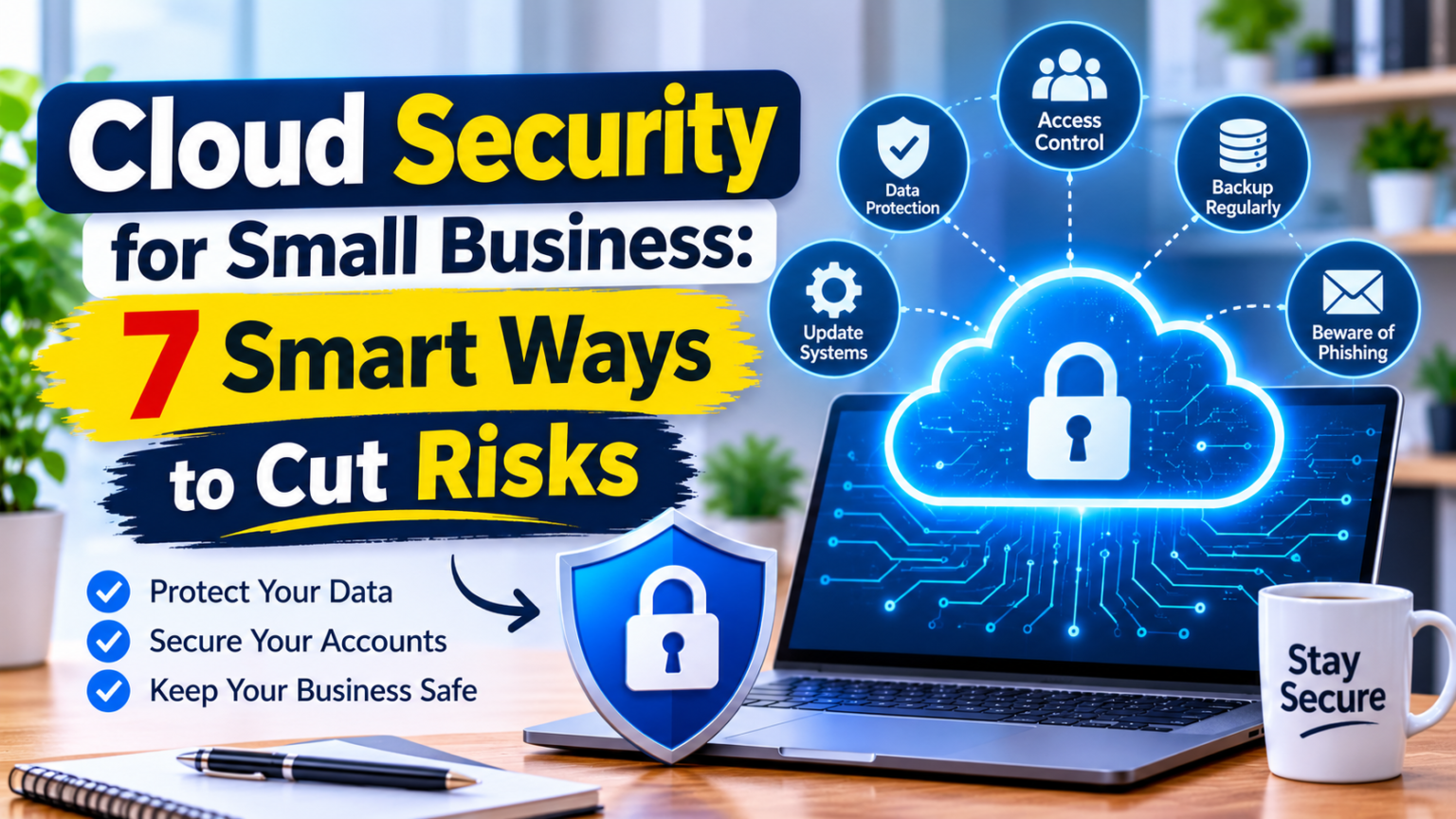
The good news is that small companies do not need a large IT department to build a stronger security system. With practical policies and consistent habits, they can reduce common threats and protect their daily operations. Here are seven useful strategies to help your business stay secure.
What Is Cloud Security for Small Business?
Cloud security is the combination of technologies, settings, and practices used to protect information and applications hosted on cloud platforms. These platforms may include online storage, business email, accounting software, customer relationship management systems, and website hosting services.
For a small business, cloud protection usually covers three important areas:
- Data security: Protecting customer records, financial documents, employee information, and business files.
- Account security: Preventing unauthorized users from accessing cloud services.
- Application security: Keeping online tools, software, and integrations properly configured and updated.
Cloud providers protect their infrastructure, but customers still have responsibilities. This is known as the shared responsibility model. The exact division depends on the service being used.
For example, a provider may secure its physical servers, while your business remains responsible for user permissions, passwords, data settings, and some backup arrangements. Understanding this difference is essential before moving important information to the cloud.
Why Is Cloud Security Important for Small Businesses?
Small businesses often depend on cloud services because they make daily work easier. However, losing access to business information can interrupt operations and damage customer confidence.
A security incident may expose private records, interrupt payments, delay customer orders, or prevent employees from accessing important files. Recovering from these problems can require time, money, and specialist support.
Strong cloud protection helps businesses:
- Keep customer and company information private.
- Reduce the risk of unauthorized account access.
- Maintain access to important files and applications.
- Support business continuity during unexpected incidents.
- Build customer confidence through responsible data handling.
- Manage security responsibilities as the company grows.
The goal is not to eliminate every possible threat. Instead, businesses should make attacks harder, identify suspicious activity quickly, and prepare a reliable recovery process.
7 Smart Cloud Security Strategies to Protect Your Business
1. Choose a Reliable Cloud Service Provider
Your security plan starts with selecting a provider that can meet your business requirements. Not every cloud platform offers the same protection, support, or administrative controls.
Before choosing a service, review its security documentation, privacy policy, backup options, and incident response procedures. Check whether it provides encryption, multi-factor authentication, access controls, and activity logs.
You should also understand where your information is stored and whether the provider’s terms meet your legal, regulatory, and contractual responsibilities.
Do not select a platform based only on its price or popularity. Compare providers according to the type of information you plan to store and the level of protection your business needs.
A trustworthy provider can reduce the technical workload, but it cannot take over every responsibility for protecting your data.
2. Enable Multi-Factor Authentication
Passwords alone may not provide enough protection for important business accounts. If an employee reuses a password or enters it on a fake login page, an attacker may gain access to the account.
Multi-factor authentication (MFA) adds another verification step. Depending on the service, this may involve an authenticator application, security key, passkey, or another supported method.
Enable MFA on accounts that control sensitive information, especially:
- Business email accounts.
- Cloud storage platforms.
- Financial and payment services.
- Website administration accounts.
- Customer databases.
- Accounts with administrator permissions.
Where available, prefer phishing-resistant options such as passkeys or security keys. Also, remove access for former employees and review account recovery methods regularly.
This simple step can make unauthorized access much more difficult.
3. Encrypt Sensitive Business Information
Encryption changes readable information into a protected format that requires the appropriate key to access. It helps reduce the risk of exposing business data if someone intercepts information or gains access to storage without authorization.
There are two important forms of encryption:
Encryption at rest: Protects information stored in cloud databases, file systems, and storage services.
Encryption in transit: Protects information while it moves between users, applications, and cloud platforms.
Many modern services offer built-in encryption. However, businesses should check which data is covered and whether the relevant settings are enabled.
Limit access to encryption keys and avoid sharing sensitive credentials through ordinary messages or unsecured documents. For highly confidential information, consider whether your provider offers additional key-management controls.
Encryption is valuable, but it should work alongside strong passwords, access restrictions, and monitoring.
4. Create Regular and Secure Data Backups
Cloud storage does not automatically guarantee that every file can be recovered after an incident. Accidental deletion, ransomware, account compromise, or service problems may affect important information.
A reliable backup plan gives your business another way to restore essential files and continue operating.
Start by identifying which information matters most. This may include customer records, invoices, accounting documents, website files, contracts, and employee information.
Then follow these practices:
- Schedule automatic backups for important data.
- Keep backup copies separate from everyday working accounts.
- Restrict who can access or delete backup files.
- Protect backups with strong authentication.
- Test restoration regularly to confirm that files are usable.
- Document who is responsible for recovery.
Do not assume that a backup is working simply because the service reports that it completed. Test the recovery process before an emergency occurs.
5. Control Employee Access and Permissions
Every employee should only have access to the information needed for their role. Giving everyone administrator privileges may seem convenient, but it increases the potential damage if an account becomes compromised.
Use role-based permissions to separate ordinary users from administrators. For example, an employee responsible for customer support may need access to customer records but should not automatically receive permission to manage financial accounts or change security settings.
Review permissions when employees change roles or leave the company. Remove unused accounts and avoid shared logins whenever possible.
A simple access review every month or quarter can help identify unnecessary permissions. For external contractors and service providers, grant access only for the required task and remove it when the work ends.
This approach follows the principle of least privilege: users receive only the access necessary to perform their responsibilities.
6. Secure Cloud-Based Business and Supply Chain Systems
Many small businesses use cloud platforms to manage orders, inventory, suppliers, deliveries, and customer information. These systems make operations more efficient, but they may also contain commercially sensitive data.
For example, a company using supply chain planning software may store supplier details, inventory records, delivery schedules, and purchasing information in connected systems. Protecting this information is important because unauthorized access or data changes could affect daily operations.
Businesses should take a few precautions:
- Give suppliers and external partners access only to the information they need.
- Use secure integrations between business applications.
- Review connected apps and remove services that are no longer required.
- Protect administrator accounts with multi-factor authentication.
- Monitor changes to inventory, orders, and supplier records.
- Confirm that important operational data is included in backup plans.
When different cloud services share information, a weakness in one application may affect other connected systems. Reviewing integrations and permissions helps reduce this exposure.
7. Monitor Cloud Activity and Train Employees
Security problems are easier to manage when businesses can identify unusual activity early. Cloud platforms often provide login alerts, audit logs, and security notifications that help administrators understand what is happening.
Pay attention to:
- Login attempts from unfamiliar locations or devices.
- Unexpected password reset requests.
- Changes to administrator permissions.
- Unusual file downloads or sharing activity.
- New applications connected to business accounts.
- Security warnings from cloud providers.
Assign someone to review important alerts and decide how suspicious activity should be handled.
Employee awareness is equally important. Provide simple training that explains how to recognize suspicious messages, verify unusual payment requests, and report unexpected account activity.
Employees should understand that they must never share passwords or approve unfamiliar login requests. They should also know whom to contact if they suspect that an account or device has been compromised.
Common Cloud Security Risks Small Businesses Should Understand
Even with good security practices, businesses should understand the threats they may face. Knowing these risks helps owners decide where to focus their resources.
Misconfigured cloud settings: Incorrect permissions or public sharing settings can expose private files. Review storage and application settings before making information available to others.
Stolen login credentials: Attackers may use passwords obtained through phishing, data breaches, or password reuse. MFA and unique passwords help reduce this risk.
Ransomware and malicious software: Harmful software may encrypt files or disrupt business operations. Secure backups, updated systems, and restricted access can improve recovery options.
Third-party vulnerabilities: Business applications and external integrations may introduce additional security weaknesses. Review vendors before allowing them to access sensitive information.
Insider mistakes: Employees may accidentally share confidential documents or delete important files. Training, permission controls, and recovery procedures help limit the impact.
Understanding these risks allows small businesses to build a realistic security plan instead of relying on a single product or tool.
Advantages and Disadvantages of Cloud Security
Cloud security offers several benefits, but businesses should also understand its limitations.
Advantages
- Many cloud platforms provide built-in security features.
- Businesses can use managed services without maintaining all the underlying infrastructure.
- Access controls help protect information across different teams.
- Cloud-based monitoring can make suspicious activity easier to identify.
- Security services can often grow alongside business requirements.
Disadvantages
- Advanced security features may require additional costs or technical knowledge.
- Incorrect settings can expose information even on a reputable platform.
- Businesses depend on providers for certain infrastructure and service operations.
- Internet or service interruptions may affect access to important applications.
- Poor account management can create risks across multiple connected services.
These disadvantages do not make cloud services unsuitable. They show why businesses should understand their responsibilities and select services carefully.
How to Build an Affordable Cloud Security Plan
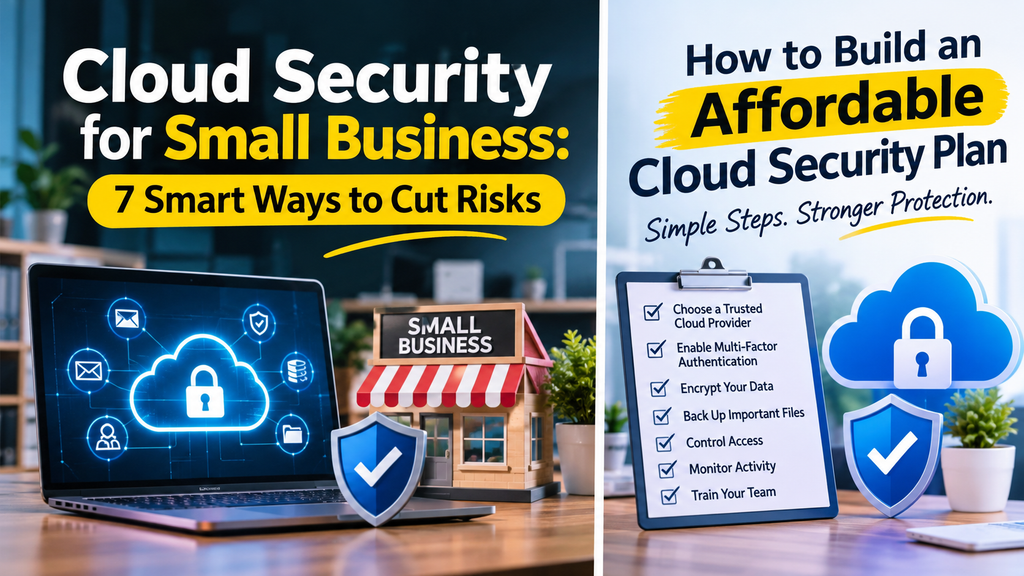
A small business does not need to purchase every available security product. Start with the controls that protect your most important accounts and information.
First, create a list of the cloud services your company uses. Include business email, file storage, accounting platforms, customer databases, website hosting, and third-party applications.
Next, identify which services contain sensitive information. Enable MFA, remove unnecessary permissions, and confirm that important data is backed up.
Then review provider documentation to understand which security tasks are handled by the provider and which remain your responsibility. The NIST Cybersecurity Framework 2.0 Small Business Quick Start Guide can help smaller organizations organize their cybersecurity activities.
Finally, assign responsibility for routine checks. A monthly review of user accounts, security alerts, backups, and software updates can help maintain consistent protection without creating an unnecessarily complicated process.
Frequently Asked Questions
1. What is cloud security for small businesses?
It is the process of protecting business data, applications, accounts, and cloud-based systems from unauthorized access, data loss, and cyber threats.
2. Is cloud storage safe for small businesses?
Cloud storage can be secure when businesses choose reliable providers and configure their services properly. Strong authentication, encryption, access controls, and backups are important parts of a safe setup.
3. What is the biggest cloud security risk for a small business?
There is no single risk for every company. Weak account security, incorrect cloud settings, phishing, and inadequate backups are common issues that businesses should address.
4. How much does cloud security cost?
The cost depends on the services used, the amount of data stored, and the security features required. Many businesses can begin with built-in protections before investing in more advanced tools.
5. Do small businesses need a cloud security policy?
Yes. A simple policy can explain approved cloud services, employee permissions, password and MFA requirements, data handling, backup schedules, and incident reporting procedures.
Conclusion
Cloud technology gives small businesses useful tools for managing information, serving customers, and improving daily operations. However, those benefits come with responsibilities. Choosing a reliable provider, enabling MFA, encrypting sensitive information, maintaining backups, and controlling employee access can make a meaningful difference.
Effective Cloud Security for small business is not about purchasing the most expensive software. It is about understanding your risks, using available protections, and following consistent security practices. As businesses become more dependent on digital services, these decisions can help shape their long-term digital destiny.
Start with the most important accounts and files, review your cloud settings, and build a security routine that your team can maintain. Small improvements today can help protect your business and support safer growth in the future.